Run Disk Cleanup on Windows XP
Posted on Aug 12, 2007 by
Paul WhiteWhat is Disk Cleanup on Windows XP?
Disk Cleanup removes temporary files from
your computer. These files are created as you browse the internet and
run programs. Alot of time these temporary files are left on your
computer to make programs load faster next time you use them, or next
time you visit a website. If you have never run disk cleanup these files can quickly add up and slow down you system.
To run Disk Cleanup Click on
Start >> Programs >> Accessories >> System Tools >> Disk Cleanup
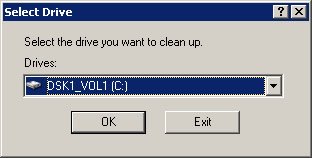
Here you can select the drive you would like to clean up
Click "OK"
( this option to select a drive may only come up if you have multiple
hard drives.)
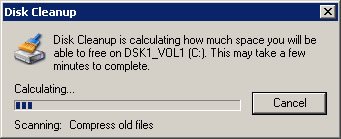
Sometimes it can take quite a while to scan your system, just be patient
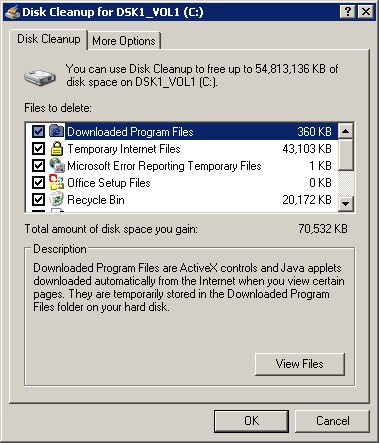
Make sure everything is checked except for "Compress old Files"
and click "OK"
Your Done
Discussion
No Comments have been submitted
 WhiteSites Blog